GB WhatsApp Not on Play Store: Here’s Why and How to Get It
Searching for GB WhatsApp on Google Play Store or Apple App Store yields no results because the application simply doesn’t exist on these official platforms. This absence confuses many users who want to download this popular WhatsApp modification safely. Understanding why GB WhatsApp remains unavailable on official stores helps users make informed decisions about installation methods. This comprehensive guide explains the reasons behind this absence and provides safe download alternatives for Android users.
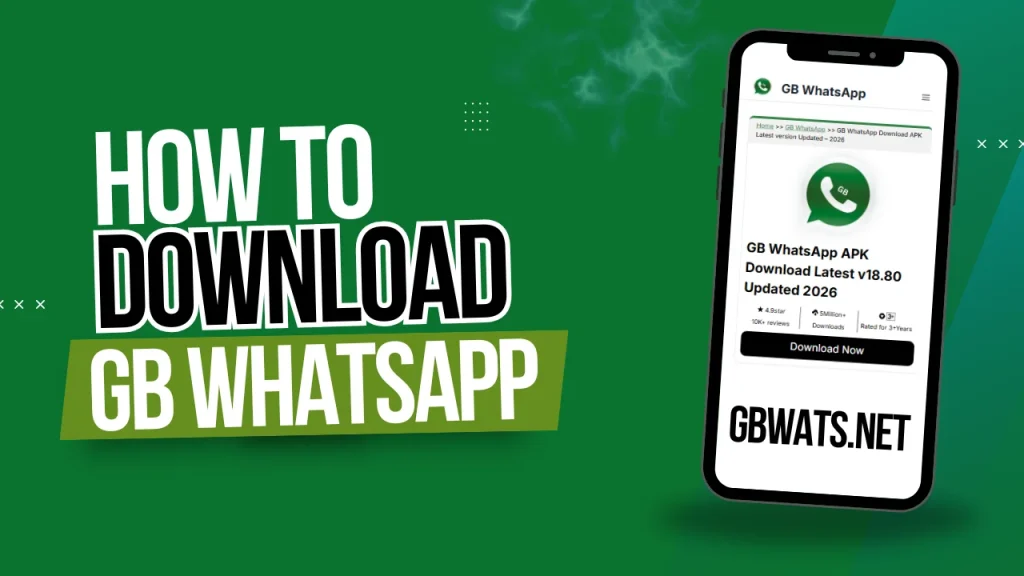
Why GB WhatsApp Is Not Available on the Play Store
Google Play Store maintains strict policies regarding application authenticity and modifications that prevent GB WhatsApp from appearing in search results. The platform only hosts applications that comply with developer guidelines and intellectual property laws. GB WhatsApp violates multiple Google policies that automatically disqualify it from the Play Store listing.
Violation of WhatsApp Terms of Service
GB WhatsApp directly modifies the official WhatsApp application code without authorization from Meta (WhatsApp’s parent company). This unauthorized modification violates WhatsApp’s terms of service explicitly. Google cannot host applications that infringe on other companies’ intellectual property rights.
WhatsApp’s terms prohibit reverse engineering the official application, creating derivative works from WhatsApp code, using WhatsApp trademarks without permission, distributing modified versions to users, and accessing WhatsApp servers through unofficial clients.
Third-Party Modified Application Status
Google classifies GB WhatsApp as an unofficial third-party modification that bypasses standard app development protocols. The Play Store requires developers to submit original applications or properly licensed modifications. GB WhatsApp developers cannot provide licensing documentation from WhatsApp proving authorization.
Security and Privacy Concerns
Google cannot verify the security of GB WhatsApp because third-party developers maintain the codebase privately. Play Store policies require transparency about data collection, permissions, and security measures. GB WhatsApp’s closed development process prevents Google from conducting proper security audits.
Copyright Infringement Issues
GB WhatsApp uses WhatsApp’s copyrighted interface designs, logos, and branding without legal permission from Meta. Google’s Play Store policies strictly prohibit applications that infringe on copyrights or trademarks. Hosting GB WhatsApp would expose Google to potential legal liability.
Why is GB WhatsApp Is Not Available on the Apple App Store?
Apple maintains even stricter application policies than Google, making GB WhatsApp installation impossible on iOS devices. The closed iOS ecosystem prevents users from installing applications outside the official App Store. Apple’s security architecture blocks unauthorized application installations completely.
Apple designed iOS to only run applications approved through its official App Store review process. This closed system prevents sideloading applications from external sources. GB WhatsApp cannot bypass these fundamental iOS security restrictions. Additionally, iOS doesn’t support APK files, requires jailbreaking for unofficial apps (which voids warranties), and Apple actively patches jailbreak methods through updates.
Understanding the Risks of Using GB WhatsApp
Downloading GB WhatsApp from sources outside official app stores introduces several risks that users must consider carefully. WhatsApp actively detects and bans accounts using modified applications through various detection methods. Temporary bans typically last 24 hours initially, but can extend to permanent bans.
Third-party developers control GB WhatsApp’s codebase without public scrutiny or independent security audits. This lack of transparency creates uncertainty about data handling practices. Malicious versions could potentially access personal information without the user’s knowledge.
How to Download and Install GB WhatsApp on Android
Since GB WhatsApp remains unavailable on the Google Play Store, Android users must download the application from alternative trusted sources. Following proper procedures minimizes security risks during installation.
Quick Installation Steps
Step 1: Enable Unknown Sources
- Open Settings on your Android device
- Go to Security or Privacy
- Find Install Unknown Apps
- Select your browser (Chrome/Firefox)
- Toggle Allow from this source ON
Step 2: Download GB WhatsApp APK
- Visit a trusted GB WhatsApp download website
- Click the Download button for the latest version
- Wait for the APK file download to complete
- Note the download location (usually the Downloads folder)
Step 3: Install the APK File
- Open File Manager or the Downloads folder
- Locate the GB WhatsApp APK file
- Tap the APK file
- Tap the Install button
- Wait for the installation to finish
- Tap Open to launch the app
Step 4: Set Up Your Account
- Accept Terms and Conditions
- Enter your phone number
- Verify with the OTP code received via SMS
- Set your profile name and photo
- Restore backup if available or skip
- Start using GB WhatsApp
The entire installation process takes approximately 3-5 minutes from download to setup completion.
Protecting Yourself While Using GB WhatsApp
Using GB WhatsApp outside official app stores requires extra security precautions to protect personal data and device integrity. Establish trusted download sources and never deviate from these verified locations. Most malware infections occur through fake GB WhatsApp versions distributed on sketchy websites.
Developers release GB WhatsApp updates containing security patches and anti-ban improvements frequently. Check for updates weekly through your trusted source. Enable daily automatic local backups and create manual backups before updates to prevent message loss.
Frequently Asked Questions
Will GB WhatsApp Ever Appear on the Play Store?
GB WhatsApp will never appear on Google Play Store or Apple App Store due to fundamental policy violations regarding intellectual property and application modification.
Can I Switch Back to Official WhatsApp?
Yes, switching back remains possible at any time. Backup your GB WhatsApp chats, uninstall GB WhatsApp, install official WhatsApp from the Play Store, and restore the backup.
Does GB WhatsApp Work on iPhone?
No, iPhone users cannot install GB WhatsApp due to iOS architectural restrictions preventing unauthorized application installations without jailbreaking.
Conclusion
GB WhatsApp’s absence from Google Play Store and Apple App Store stems from policy violations regarding intellectual property and terms of service compliance. Android users can safely download GB WhatsApp by enabling unknown sources, downloading from trusted websites, and maintaining regular security updates. Understanding these limitations allows users to make informed decisions while accepting personal responsibility for security and potential account suspension risks.
Note: Always download from verified, trusted sources, scan files with antivirus software, maintain regular backups, and accept that using modified WhatsApp versions carries inherent risk,s including potential account bans.